
A web app suits easy browser access and desktop workflows. A mobile app makes sense for frequent phone use and closer integration with device features. A PWA can offer a middle ground, but capabilities vary by browser and device.
Start with the user’s work, not a favourite technology. Where will people use the product? How often? What must work offline, and which device features are essential? The answers help you compare development and operating costs meaningfully.
What is the difference?
A web app opens through a link in a browser. A mobile app is installed on a device and can use platform-specific capabilities. Both can have accounts, a backend, administration and external integrations. Neither is automatically simpler.
Web apps, mobile apps and PWAs compared
| Application type | Best suited to | Things to consider |
|---|---|---|
| Web app | Portals, administration and business tools accessible through a link. | Responsive layouts and browser-dependent device capabilities. |
| Mobile app | Frequent phone use and workflows tied to device functions. | Distribution, updates and testing across supported platforms. |
| PWA | A web product with selected app-like capabilities. | Installation, offline support and notifications vary across browsers and devices. |
When is a web app a good fit?
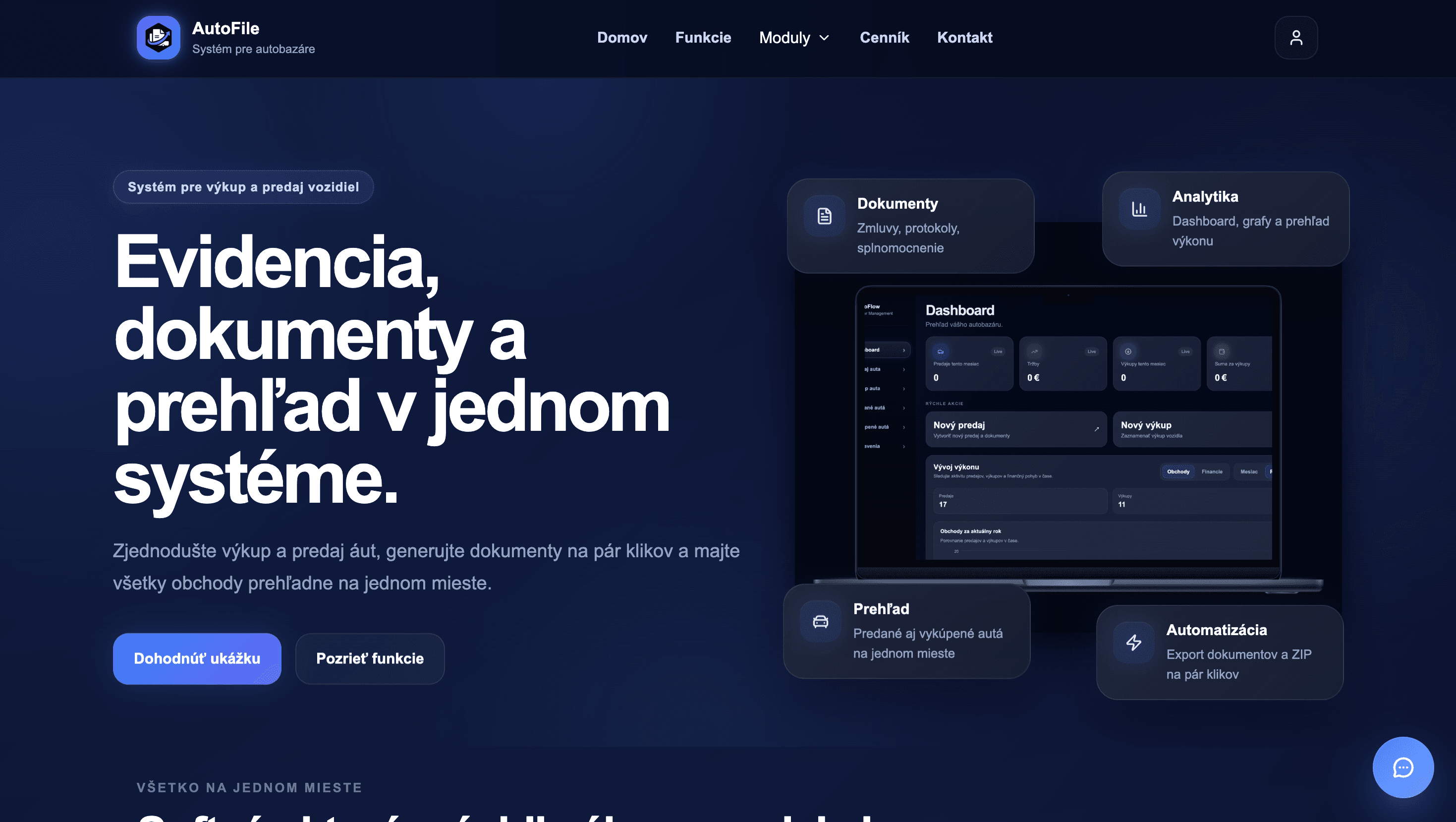
Web apps often suit information-heavy workflows, forms and administration on larger screens. Access through a link removes the installation step. AutoFile, our vehicle and dealership process system, illustrates how business software can bring documents, records and workflows together.
When does a mobile app make sense?
Consider a mobile app when people return frequently and the phone is central to the task. Camera access, notifications, location and offline requirements need to be evaluated for the target devices. In Fermeria, communication and timely alerts are important parts of the product.
Can a PWA replace an installed app?
A Progressive Web App builds on web technologies and may support installation, cached data and other app-like features. These must be designed and tested for your users’ devices. Calling a product a PWA does not guarantee complete offline operation or identical behaviour across platforms.
Shared code or native development?
React Native, Flutter and native development each involve trade-offs. Shared code can simplify some maintenance, while specialised features may benefit from platform-specific work. Assess long-term requirements, available libraries, testing and the skills needed to support the product.
How should you decide?
- Describe the main user journeys and working environment.
- Identify essential device features and offline requirements.
- Check whether installation and notifications are genuinely necessary.
- Compare development with several years of operation and maintenance.
Sometimes a web app is the best starting point, with mobile apps added after demand is proven. Sometimes the phone is central from day one. We choose the approach around the problem.
Frequently asked questions
Is a web app always cheaper?
No. A large web system can be more demanding than a straightforward mobile app. Scope and integrations determine the work.
Can one codebase support iOS and Android?
Shared-code technologies can support both, but each platform still needs testing and may require specific adjustments.
Does a PWA replace every mobile app?
No. Suitability depends on the functions, target devices and browser support.
Sources
This article draws on the sources listed and the experience of the FYstart digital studio.